8www App — Play on Mobile, From Anywhere
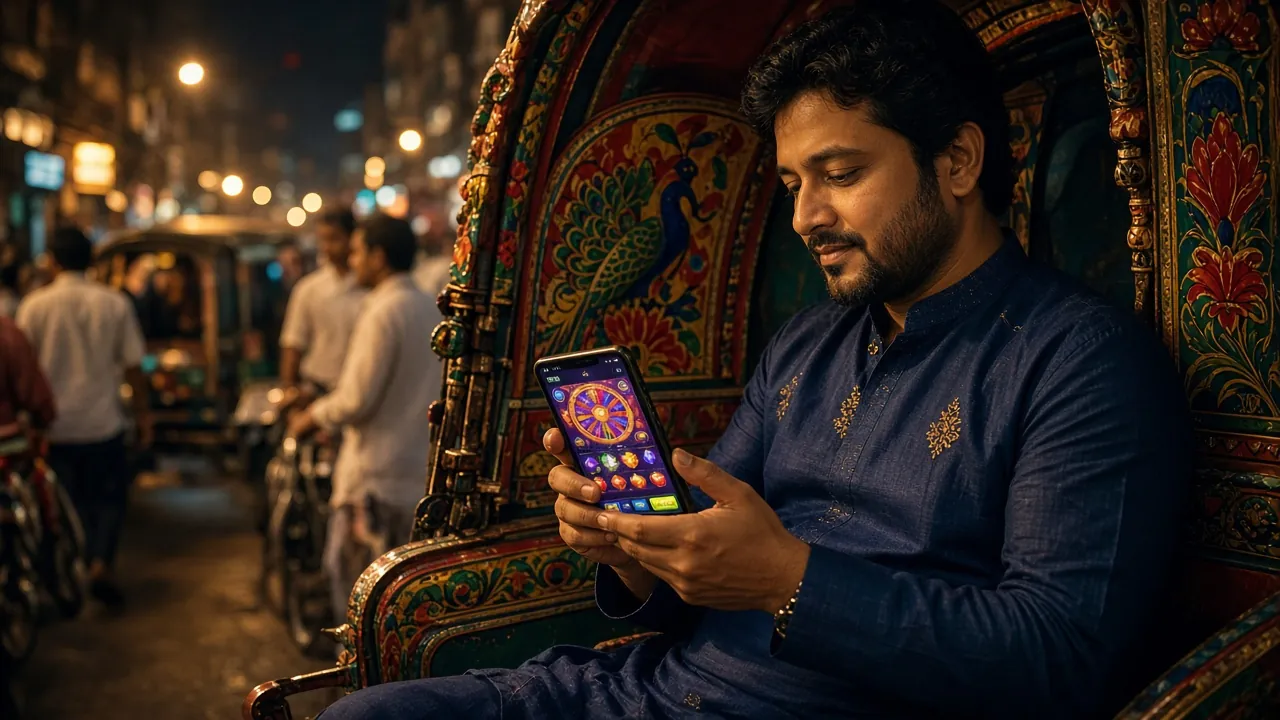
On the bus, at the market, or at home — install the 8www App and get slots, fishing, crash games, and cricket betting right on your Android phone. Free download, only 36 MB.
File: 8www.apk · Size: 36 MB · iOS users, check the Home Screen guide below.
Scan the QR code to download directly
Installing the APK on Android: Five Steps
Since the app is not available on Google Play, you'll need to download the APK file directly. Once you've done it the first time, you won't need to repeat these steps.
-
1
Allow installation from unknown sources
Go to your phone's Settings → Security → Unknown Sources and turn it on. On Samsung devices, this is found under Settings → Biometrics and Security → Install Unknown Apps. Grant permission to Chrome or your File Manager.
-
2
Download APK
Tap the "Download APK" button above or scan the QR code. The file will be saved to your phone's Downloads folder. Keep Wi-Fi or mobile data on until the download is complete.
-
3
Open File Manager
Go to your phone's File Manager → Downloads folder and look for the 8www.apk file. You can also find the downloaded file in the notification bar — just tap it directly from there.
-
4
Install
Tap the file and the installation wizard will open. Tap the "Install" button and wait a few seconds. Once done, you'll see the "App Installed" message.
-
৫
Log In or Register
Open the app and log in to your 8www account. If you're new, you can register directly inside the app — no separate browser needed.
iOS Users: Add to Your Home Screen
iPhone and iPad don't support APK installation. However, you can use Safari's Add to Home Screen feature to access the website just like an app.
-
1
Open 8www.one in Safari
Type 8www.one in the Safari browser on your iPhone or iPad. This feature doesn't work on Chrome or Firefox, so make sure you use Safari.
-
2
Tap the Share Button
Tap the Share icon (a square with an upward arrow) at the bottom centre of the screen. A menu will appear.
-
3
Select "Add to Home Screen"
Choose "Add to Home Screen" from the menu, then tap "Add" to confirm. The 8www icon will appear on your home screen.
-
4
Play Directly from the Icon
From now on, tap the 8www icon on your home screen to open the site in fullscreen mode. Save your login details so you don't have to enter them every time.
8www App vs Website: Which One Is Right for You?
Both use the same account. The difference is all about convenience.
| Feature | 8www App (Android) | Web Browser |
|---|---|---|
| Loading Speed | Fast — cached resources | Depends on network |
| Push notifications | Yes — sends bonus offers | No |
| Biometric Login | Fingerprint / Face ID | Browser password manager |
| Device Compatibility | Android 7.0+ | Any device & OS |
| Number of Games | Full lobby available | Full lobby available |
| Install Space | Requires 36 MB storage | No storage needed |
| Update Method | Need to download a new APK | Updates automatically |
| bKash / Nagad Payment | Fully supported | Fully supported |
For a more detailed comparison, check out the 8www App vs Website Guide.
What You Can Play on the 8www App
Browse Full CasinoSlot Games
Hundreds of slots from JDB, PG Soft, FA Chai, KA Gaming and Habanero — including Shaolin Soccer, Leprechaun Riches and Bird Catcher. RTP up to ৯৭.৮%. Minimum bet starts at just ৳১. Spin any time, from anywhere.
Crash Games
Aviator (PG Soft, RTP ৯৫.৮%) and other crash games load fast on mobile. Bets start from just ৳৫, up to ৳৫০,০০০. The real-time graph runs smoothly on your phone screen.
Fishing Games
Cannon Fishing, Dragon Fishing and Pirate Fishing — three popular titles from FA Chai and JDB. Easy touchscreen controls, smooth animations. RTP ৯৬–৯৭.৪%. Starts from just ৳১.
Cricket Betting
BPL, IPL, T20 and ODI — real-time odds on live matches. Ball-by-ball updates straight in the app. Deposit with bKash or Nagad and change your bet even while the match is running.
Card game
Teen Patti 20-20 (KA Gaming, RTP ৯৫.১%) is easy to play on mobile. A favourite among Bangladeshi players, with a minimum bet of ৳১০ and a maximum of ৳১০,০০০. Live tables are available too.
Quick deposits and withdrawals
Handle everything inside the app — bKash, Nagad, Rocket, Upay and bank transfer. Deposits complete in just ৫ minutes. Withdrawals take ৪১ minutes on average. Minimum deposit ৳৩০০, minimum withdrawal ৳৮০০.


Security and permissions: what the app accesses
While installing the 8www APK, your phone will ask for a few permissions. Each one is explained clearly below.
Internet access
Internet permission is essential for loading games, updating live odds and connecting to payment gateways. All traffic runs through SSL/TLS encrypted channels, so third parties cannot read your data.
Notifications
To send you bonus offers, deposit and withdrawal confirmations and match reminders. You can switch notifications off any time in Settings — the app keeps working.
Camera (optional)
So you can easily photograph your NID or passport during the identity check before your first withdrawal. The camera is never used while you play — it is a completely optional permission.
Storage access
Storage permission is used to temporarily save APK update files. 8www App never reads or copies your photos, personal files or other apps' data.
System requirements and app info
Check the details below before installing — an older Android version or low storage can cause problems.
| Info | Details |
|---|---|
| App version | ৩.২.১ |
| File size | ৩৬ MB |
| Minimum Android | Android ৭.০ (Nougat) or above |
| Last updated | November 14, 2026 |
| Price | Free |
| Language | Bangla and English |
| Install source | Direct from 8www.one — not Google Play |
Install problems: causes and fixes
If the APK won't install, check the table below. Most cases are solved with one small settings change.
| Problem | Likely cause | Fix |
|---|---|---|
| "Install blocked" | Install from unknown sources is turned off; Android keeps this protection on by default. | Settings → Security → turn on unknown sources. You can switch it back off once the install is done. |
| Download stops midway | Weak internet connection or your data limit is used up. | Connect to Wi-Fi and try again. Clear the download cache in your browser settings and start over. |
| "Package cannot be parsed" (Parse Error) | Android version below ৭.০, or the downloaded file didn't finish. | Check your phone's Android version. If it is below ৭.০, use the mobile browser. Delete the old file and download again. |
| App installs but won't open | Low RAM on the phone, or a clash with another app. | Restart your phone. Close other heavy apps and try again. Clear the app data if needed. |
| Can't log in after an update | The session token from the old APK may not work in the new version. | Log out of the app, then log in again. Forgotten your password? Reset it from the login page. |
Common questions: what most people ask about the 8www App
Answers to the most frequently asked questions about downloading and installing.
Is the 8www APK file safe?
Yes. An APK downloaded directly from 8www.one is completely safe. The file is checked with a SHA-256 checksum and served from an SSL-encrypted server. Don't download from third-party websites or APK mirror sites — get it only from 8www.one or the /download/8www.apk link. It isn't on Google Play Store, but you can still use it safely.
Does the 8www App work on iPhone?
You can't install an APK directly on an iPhone or iPad, because iOS doesn't support the APK format. iOS users can open 8www.one in the Safari browser and use "Add to Home Screen" — the site then opens straight from the home screen like an app, with the full game lobby available.
How many MB does it take to install the 8www App?
The 8www APK file is 36 MB, which suits most Bangladeshi phones. After installing, the app plus its data uses around 50–60 MB of storage in total. It's best to keep at least 100 MB free on your phone. You can download over mobile data or Wi-Fi, whichever you prefer.
How do I update the app?
There are no automatic updates like on Google Play. When a new version is out, a message appears inside the app or on 8www.one. To update, download the new APK and install it over the old app — no need to uninstall, and your account details won't be deleted. The current version is 3.2.1, updated 14 November 2026.
Can I deposit directly with bKash in the app?
Yes. You can deposit directly inside the 8www App using bKash, Nagad, Rocket and Upay. The minimum deposit is ৳300. Deposits usually reach your account within 5 minutes. For details, see the Deposit Guide or ask on 24/7 live chat.
Can I open a new account in the app?
Yes. Once the 8www App is installed you can register right inside the app — no need to open a separate browser or go to the website. The welcome bonus is added automatically when you register. Your first deposit must be at least ৳300. Go to the registration page for details.
Do I need a separate account to use the app?
No, you don't need a separate account. Use the same username and password you have on the website to log in to the app. Your balance, bonuses and game history all stay in sync. Using the web and the app at the same time is no problem either.
- 18+ only
- SSL encryption
- 24/7 support
- bKash supported
- Nagad supported
- Free download
Download the app and start now
Install the 8www App on your Android phone, deposit ৳300 with bKash or Nagad and claim your welcome bonus.
Already have an account? Log in here