Log in to 8www
and start playing
Go straight into your account with your registered mobile number and password. Forgot your password? The steps below get you back in within minutes.
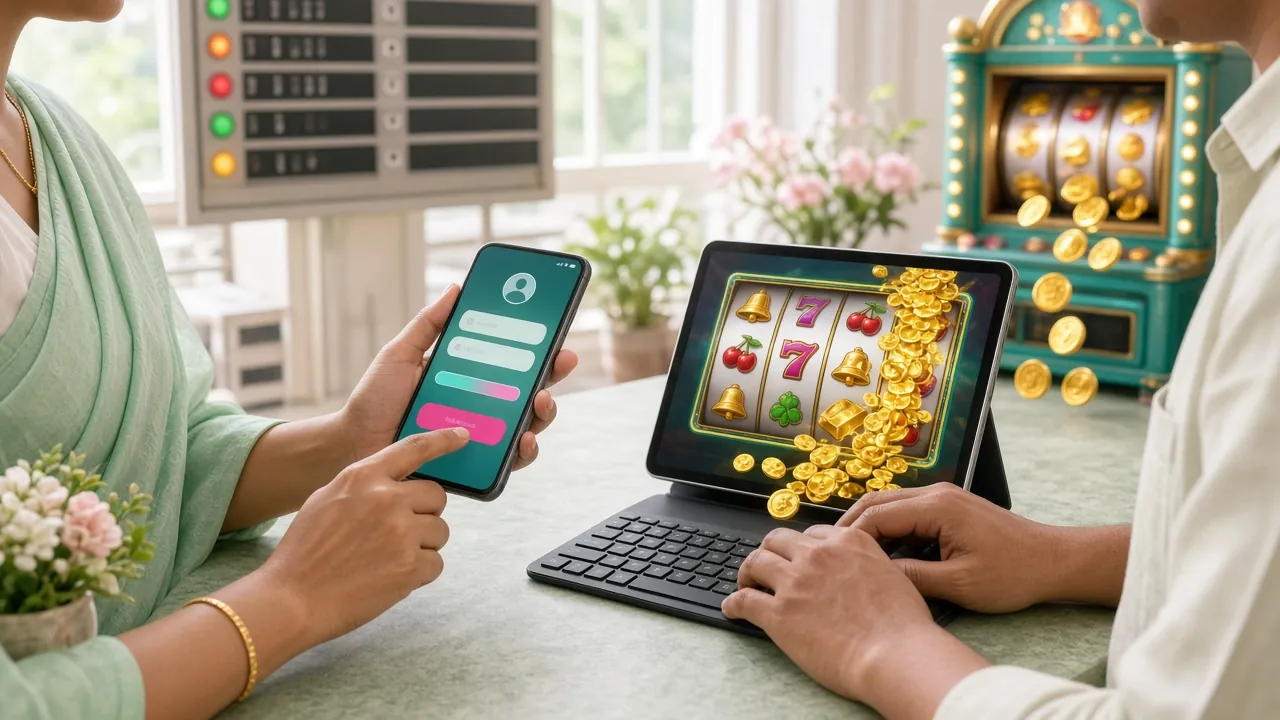
8www Login: get into your account in four steps
-
1
Open the site
Type 8www.one into your browser or open it from a saved bookmark. It works on mobile data or Wi-Fi. If a VPN is running, turn it off first, or login may slow down.
-
2
Enter your mobile number and password
Type the 11-digit mobile number you used at registration and your password. Passwords are case-sensitive; if you get it wrong, tap the icon to see what you typed.
-
3
Click the "Log In" button
If the details are correct, you'll be in your dashboard within seconds. Tick "Remember this device" to get in faster next time. Keep your login to a single device.
-
4
Start playing or depositing
Once logged in, top up your balance straight away or open any game. A deposit of just ৳300 via bKash or Nagad lands in your balance within 5 minutes.
Can't log in? Spot the problem, find the fix
The table below lists the six most reported problems, their likely causes, and fixes you can do from home.
| Problem | Likely cause | Fix |
|---|---|---|
| Password shows as wrong | Caps Lock is on, or the number and password got swapped | Tap the icon to view your password. Turn off Caps Lock. If it still fails, follow the password reset steps below. |
| Page won't load | Weak internet or DNS block | Switch between mobile data and Wi-Fi. Clear your browser cache (Chrome > Settings > Clear browsing data). If that doesn't work, use the App. |
| Account temporarily locked | 5 wrong passwords in a row, or an unusual login location | Wait 30 minutes, then enter the correct password. Still stuck? Tell us on 24/7 live chat. |
| SMS OTP not arriving | Wrong number on file, network delay or SMS block | Check that the number you gave at registration is correct. Wait 2 minutes and resend. If it still doesn't come, contact live chat. |
| Old password no longer works | Password changed after a system update, or the account was merged | Click the "Forgot password?" link and reset it. Use 8+ characters mixing numbers and symbols. |
| Can't log in on multiple devices | Keeping the same account active on two devices at once goes against policy | Log out on the first device, then log in on the second. Use each session separately. |
Five must-follow tips to protect your account
Keeping your login details safe lowers the risk of unauthorised access to your account. Follow these tips.
Use a strong password
Build a password of at least 8 characters mixing upper and lower case letters, numbers and a special symbol (like @, #). Don't use your date of birth or name.
Keep your registered number active
Password resets and any verification send an SMS to the mobile number you registered. If that number is inactive, recovering your account becomes hard.
Be careful on public devices
If you log in at a cyber cafe or on someone else's phone, log out when you're done. Don't tick the "Remember me" option. Use your browser's incognito mode.
Avoid phishing links
8www never asks for your login password by SMS or message. Don't click links from unknown senders. Go straight to 8www.one by typing it into your browser.
Change your password regularly
Changing your password once every 3 months makes your account a lot safer. Don't reuse the old password after changing it. A password manager app is a safer way to keep track.
Three ways to log in: which one works best for you?
You can log in through your mobile browser, a desktop, or the 8www App. Here's how the three compare.
| Method | Speed | Biometrics | Push notifications | Offline session | Recommended |
|---|---|---|---|---|---|
| 8www Android App | Fastest | Best option | |||
| Mobile browser | Fast | Readily available | |||
| Desktop browser | Moderate | On a big screen |
To download the app, go to this page. The APK file is only 36 MB and runs on Android 7.0 or later.
Forgot your password? Get back in with three steps
An SMS will arrive on your registered mobile number; the whole process usually takes 3–5 minutes.
-
1
Click "Forgot your password?"
Click the "Forgot your password?" link below the login form. On the next page, type your registered mobile number and tap the "Send SMS" button.
-
2
Verify your number with the SMS OTP
Enter the 6-digit OTP from your mobile in the box provided. The OTP stays valid for 10 minutes. If it doesn't arrive in time, use "Resend" after 2 minutes.
-
3
Set a new password and log in
Once the OTP is verified, enter a new password. Use at least 8 characters, with one number and one special character. After saving, you're taken straight back to the login page — log in with the new password.
Need help? Four ways to reach us
If you can't sort out the login problem yourself, get help through any of the channels below. Have your mobile number and a description of the issue ready before you contact us.
24/7 live chat
Log in to the site and click the chat icon in the bottom-right corner. Agents usually reply within 3–5 minutes. This is the quickest route for login problems.
FAQ page
The FAQ page covers the most asked questions about login, deposits and withdrawals. Searching there before opening a chat can get you a faster fix.
What to prepare before you contact us
Keep your registered mobile number, a description of the problem and screenshots (if you have them) close at hand. Sharing the time and date of the problem helps the agent check the logs faster.
Response times
Live chat usually replies within 3–5 minutes. Complex account issues (such as information checks) can take up to 24 hours to resolve.
Before and after logging in: things worth remembering
Keep this list in mind and you'll dodge most login headaches.
Make sure your connection is stable
If your internet drops while logging in, the session can break halfway. Both mobile data and Wi-Fi work fine; log out before switching connections.
Keep your browser up to date
Older browsers may fail the SSL check and the login page may not load properly. Use the latest version of Chrome or Firefox.
Bookmark the correct address
Searching on a search engine carries the risk of landing on a fake site. Once you've opened the right page, bookmark it in your browser and go straight there next time.
Log out when you're done
This matters most on a shared device or public network — always log out at the end of your session. Close the session in the app the same way.
One account, one identity
Opening more than one account in the same person's name is not allowed. If duplicate accounts are detected, the balance in both accounts may be forfeited. Each family member should register with a separate number.
Common questions about 8www login
What details do I need to log in to 8www?
Two things: the 11-digit mobile number you used at registration and your password. There's no separate username or email. If both are correct, you'll be inside your dashboard within seconds. Forgotten the number or password? Follow the steps above.
How many wrong password attempts will lock my account?
If you enter the wrong password 5 times in a row, your account will be temporarily locked for 30 minutes. This is an automatic security measure to prevent unauthorised access. After 30 minutes, you can log in again with the correct password. If it's urgent, contact our 24/7 live chat for help.
Is logging in through the app different from using a browser?
The login process on the 8www App is the same: just enter your mobile number and password. However, once logged in via the app, your session stays active longer, you receive push notifications, and pages load faster. You can download it for free on Android 7.0 or above.
Can I log in to the same account from two devices at the same time?
No, two active sessions cannot run on the same account at the same time. If you log in on a second device, the first device will be logged out automatically. This is part of our account security policy. Family members are advised to create separate accounts.
My balance isn't showing after logging in — what should I do?
First, refresh the page and check your internet connection. If the problem continues, log out and log back in. If you made a deposit recently, the balance usually updates within 5 minutes. If it still hasn't appeared, contact our 24/7 live chat with your transaction reference number.
Where do I go to open a new account?
If you don't have an account yet, go to the Register page. Enter your mobile number, password, and referral code (if you have one) to complete registration in minutes. You can also get up to 180% bonus on your first deposit.
Which games can I access directly after logging in?
After logging in, you can go directly to any game from the dashboard. On the Casino page, slots, fishing, crash, and card games are organised in separate categories. If your balance is empty, deposit ৳300 first — payments via bKash or Nagad are credited within 5 minutes.
How do I log in if my mobile number has changed?
To change your registered mobile number, first log in with your old number, then request a number update from Account Settings. If your old number is no longer active, contact our 24/7 live chat and be ready to verify your identity.
If I'm already logged in on the 8www App, do I need to log in again on the browser?
Yes, the app and browser sessions work independently. Even if you're logged in on the app, you'll need to log in again on the browser. Keep in mind that two active sessions cannot run at the same time — logging in on one will automatically log out the other.
Can I claim a bonus after logging in?
After logging in, you can claim a 180% bonus on your first deposit (up to ৳22,000). Go to the Bonus section, activate the offer, and then make your deposit. For full bonus terms and VIP benefits, visit the 8www Bonus & VIP page.
Account ready? Log in now
Enter your mobile number and password to access your dashboard directly. Deposit via bKash or Nagad and your balance will be updated within 5 minutes.